




Fridayroll App for Mobile Play
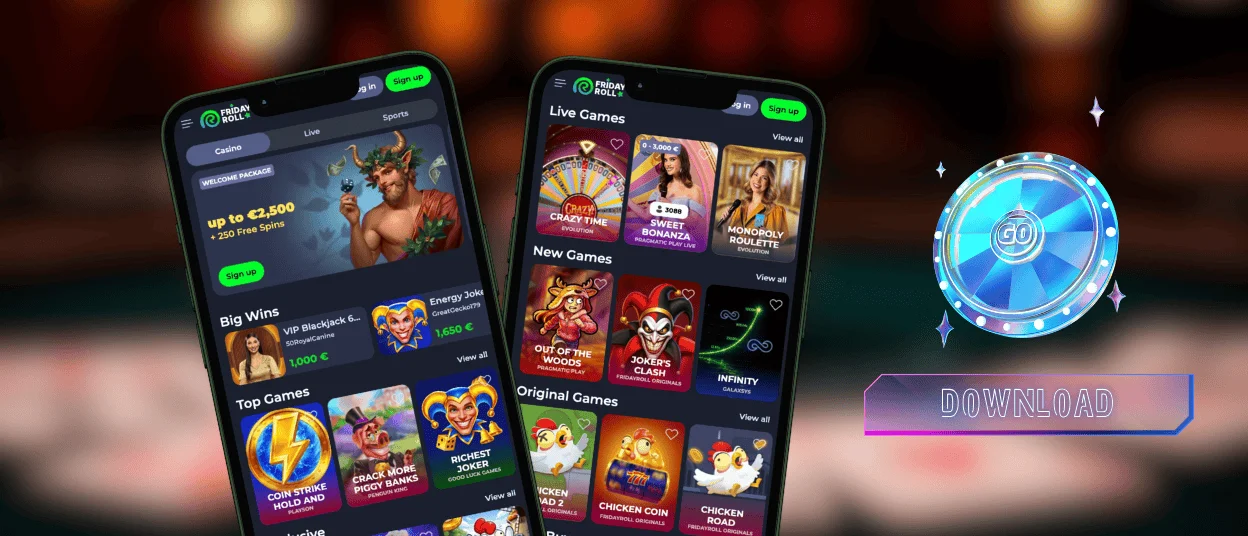
The Fridayroll app is a way for players to move their desktop experience into a more portable form. You get to see the whole lobby on the home screen of your smartphone, and with a single tap, without any need to search for the application, you get to install our PWA version on your home screen. Our mobile app brings a spark to your game session in the most successful way.



Fridayroll Casino on Mobile
After installing the Fridayroll app, users find its unquestionable benefits and useful features in their gaming sessions. We created it in the form of a progressive web application that is the closest to a native app for the moment and gets you into the digital casino in a couple of seconds.
- The main benefit of using our Friday Roll app is speed. Opening the casino is a matter of seconds, as the lobby loads as fast as it takes you to unlock your phone.
- You get to see the entire dashboard with active bonuses and gaming history on your laptop because everything is synchronized.
- There is a great option of turning on notifications to always stay updated on promotions at Friday Roll Casino and never miss out on active ongoing tournaments.
- The support team works 24/7 within the live chat in the app, just as in the full version, allowing you to address us even during your gameplay with technical and game-related issues.
- Our casino cannot be found in any app stores, so the question of updates is completely canceled. We made it easy to access on all browsers without any glitches. You will not see irrelevant banners or annoying ads that are always a part of APK application downloads.
- You cannot find any Fridayroll APK files on the internet, as we completely got rid of the idea of store installation to prevent you from falling victim to any scams.
All this together makes it a great idea to try our online casino PWA, as you get to enjoy only the benefits of its convenience and have the same perfect gaming experience as you always have at the full version on PC.
Fridayroll Android App
We all know that the full version gives you everything you need. But sometimes, just opening the computer, loading everything, and all that jazz just does not seem exciting. The Fridayroll app is just for those moments. Installing it on your Android is relatively easy:
| Stage | Android App Setup | Quick Tip |
| 1. Open Your Browser | Take your Android phone and launch Google Chrome or another browser you are using. | Chrome is always the best for Android players. |
| 2. Visit Fridayroll Casino | Enter the official website and wait until the page loads fully. | Make sure you have a good internet connection. |
| 3. Check Access | If the platform is available in your geo area, the site should open without registration issues. | If the page does not load, refresh it and check if the VPN is on. Off it. |
| 4. Account | Create a new account or log in to your existing profile before adding the app shortcut. | Staying logged in is easier for long gaming. |
| 5. Open the Menu | Tap the three-dot menu in the top-right corner of Chrome. | This is where Android keeps the shortcut installation option. |
| 6. Add the App | Choose “Add to Home Screen” and confirm. | You can rename the shortcut as you want to. |
| 7. Launch | Go back to your phone’s home screen and tap the new Fridayroll Casino icon. | The site should now open like a mobile app. |
Everything should take a couple of minutes altogether, but if you run into any problems on the way, just write to us in a live chat, and we will get your mobile casino experience running.
Safe Access with PWA
We do everything for users of all smartphones to enjoy safe access with the help of our progressive web application. Because we are a legal casino, we make sure that our gamers are over 18 years old and encourage them to use responsible gaming tools like deposit limits, breaks from excessive gaming abuse, and self-exclusion options. For all of that, you would need your new account.
Creating an account in the Fridayroll app is as easy as you can possibly imagine. And as soon as you complete the process of registration, the best idea would be to head to your profile and upload the documents for verification. Meanwhile, you can:
- Play online slots and other games as if it’s a demo mode, since you are still undergoing the KYC process. The withdrawals will be available later after your account is confirmed.
- Check the full list of our providers and filter the games they offer. It is a great chance to already mark your favorites and check the full catalog for your future gaming.
- Familiarize yourself with our FAQ section and have a chat with our AI bot, as it has a huge information base that will help you get to know the legal side of Fridayroll Casino.
- Read our Terms and Conditions and Privacy Policy documents. Not the most fun part, but the most important for understanding how everything works in the online casino world.
The faster you are done with uploading your personal information, the faster our team is reviewing it to make sure you are approved and can enjoy gaming.
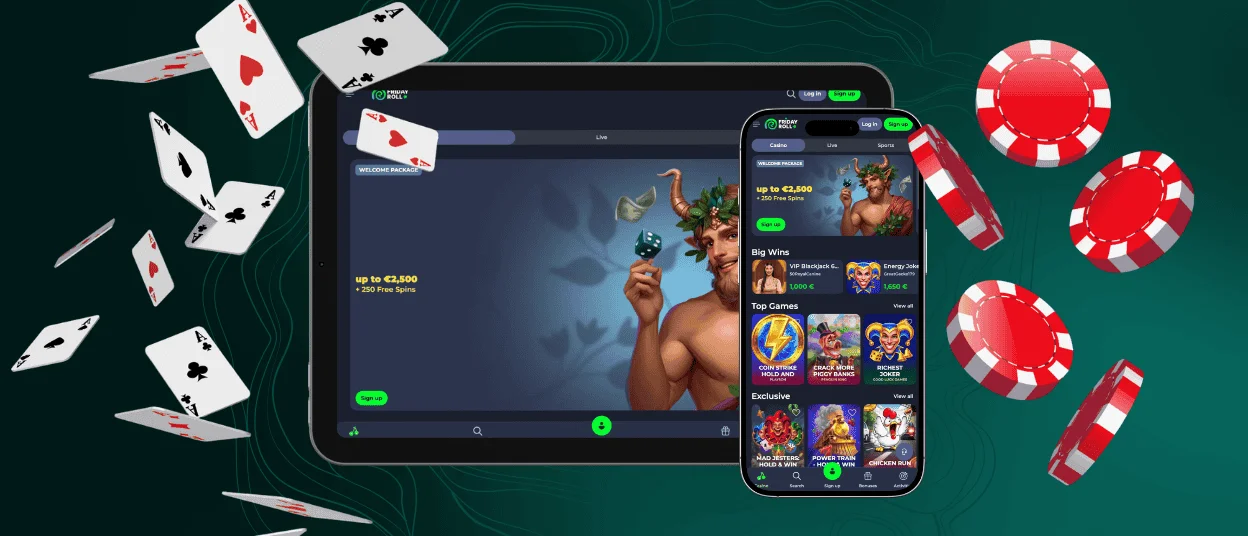
Friday Roll App for iPhone and iPad
For owners of iOS system devices, you will get the idea that the app is basically the pocket version of the full casino. Let us have a little comparison table to show you that sometimes it is even more preferable to have your sessions in Fridayroll Casino on those devices:
| Feature | User experience on iPad | Casino access on iPhone |
| Screen size | Larger display with more room for game visuals, menus, and controls | Compact screen, better for quick access |
| Game immersion | Cinematic experience with bigger graphics and animations | On-the-go experience |
| Navigation | Easier to browse categories, account pages, bonuses, and payment sections | Menus may feel more compressed |
| Touch controls | Larger buttons and more comfortable tapping | Smaller controls, easier to mis-tap |
| Sound and visuals | Stronger speakers and better visual presentation | Good, but more limited by device size |
So, in a way, playing the Fridayroll app on a tablet is even more awesome because of a bigger screen and easier navigation. It is handier for longer sessions. The iPhone is still superior for quick access, but the iPad feels nice for immersive gameplay.
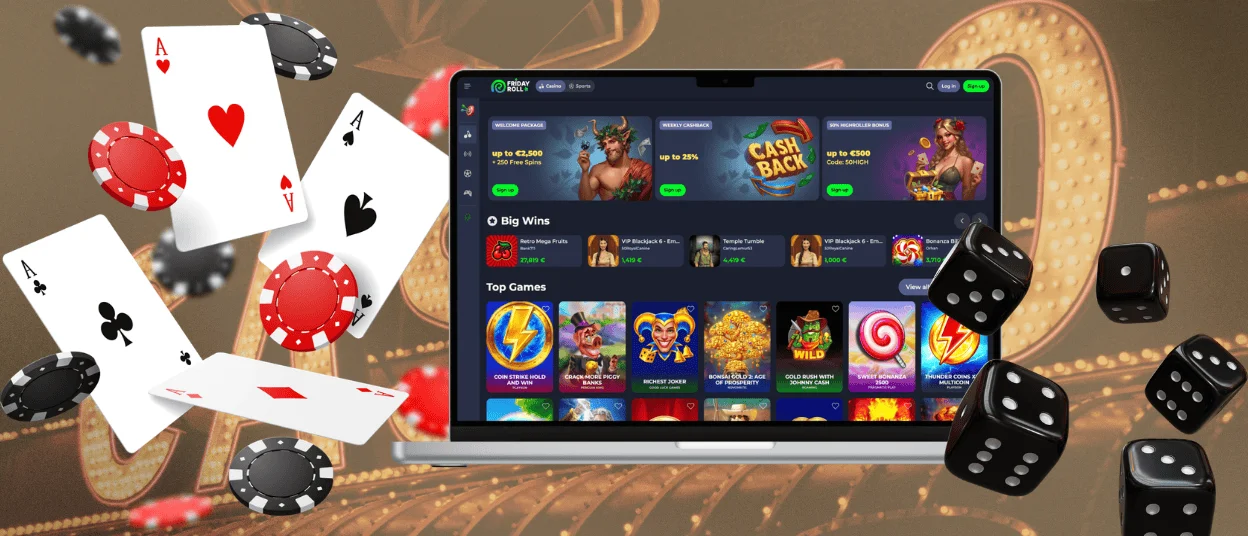
Application for Windows/macOS
This version has no limits when it comes to client-oriented gameplay. You can have the screen as wide as you prefer for your sessions, and especially the group years in your live dealer competitions will make it look absolutely fantastic.
When it comes to account management, it is more comfortable on a desktop version to use the Fridayroll Casino app because you can upload all the documents straight from your hard drive and make it work as smoothly as possible when you’re dealing with the KYC verification process on your personal dashboard.
FAQ
Can I contact support through the Fridayroll app?
You can contact us directly through the Fridayroll app if you just click the little help and support button. It is a window that helps you bypass the AI bot and ask to connect with a human manager. Or you can just submit a help ticket through email, where we also get your query and resolve it as fast as possible.
How does your PWA get updated?
All the application updates are automatic, and you do not need to do anything on your own. It takes away a lot of stress because constant worry about manual checks and opening the stores is pretty energy-draining. We eliminated all of that and only want you to enjoy your live casino sessions and other gameplay at Friday Roll Casino.
Does the Friday Roll app include the full game library?
The app gives you access to our full library, and all the new releases are automatically added to the application as well. Everything is connected and synchronized constantly across all of your connected devices so you can enjoy the high performance, and it is very platform-specific. All the titles will be reflected based on the device that you are using.


